

Latest News
When your UPS signals a fault or alarm, it can feel disruptive and uncertain. These alerts are designed to protect your equipment, but they only help if you know what they mean and how to respond. Understanding the most common UPS alarms and faults gives you the confidence to act…

When your UPS signals a fault or alarm, it can feel disruptive and uncertain. These alerts are designed to protect your equipment, but they only help if you know what they mean and how to respond.
Understanding the most common UPS alarms and faults gives you the confidence to act quickly and keep your systems running smoothly.
Here, we'll cover the top reasons why alarms occur, what they indicate and the practical steps you can take to resolve them. From issues with batteries and cooling to warnings about load or voltage, each section will guide you through clear troubleshooting methods that keep downtime to a minimum.
1. Battery failure alarm – check and replace the battery if needed
A battery failure alarm usually means the UPS battery can no longer hold a proper charge. You may hear a continuous beep or see a warning light on the display. This alert often appears when the battery has reached the end of its service life.
You should first confirm the alarm by checking your UPS display or monitoring software. Many units show clear error codes that point to a weak or faulty battery. Some models display messages such as “replace battery soon” or “battery near end of life” to guide you.
Look for practical signs of failure, such as shortened backup runtime or frequent beeping during normal operation. If the UPS shuts down quickly during a power cut, the battery is likely degraded.
When replacing the battery, make sure the UPS is safely turned off and disconnected from power and use the correct replacement type recommended by the manufacturer. After installation, run a battery self-test and (where available) a runtime calibration to confirm the alarm has cleared and backup time is restored.
UPS fault you can’t clear?
If your UPS is showing a persistent alarm, has entered bypass or your critical load is at risk, our team can help.
2. Overload warning – reduce connected load to prevent shutdown
An overload warning means your UPS is carrying more devices than it can safely support. The system alerts you to prevent damage and to avoid a sudden shutdown.
You should start by disconnecting non‑essential equipment. This reduces the strain on the UPS and often clears the alarm quickly. The alarm will continue until the overload is removed, so once it's at a more manageable load, the alarm will stop.
If the overload is severe, the circuit breaker may trip. In that case, you'll need to reset it only after reducing the load. Always check the total wattage of connected devices against the UPS rating.
You can prevent repeated overloads by spreading devices across different outlets or upgrading to a UPS with higher capacity. Where loads are inductive or have high inrush (e.g., motors, some PSUs), size the UPS with adequate headroom to avoid nuisance trips.
3. Overheating alarm – ensure proper ventilation and clean air filters
An overheating alarm in a UPS usually means the unit is running hotter than its safe operating range. Most UPS systems are air-cooled rather than liquid-cooled, so overheating is normally caused by blocked airflow, high ambient temperature or a failed fan rather than coolant issues.
You should first check the airflow around the UPS. Make sure the air intake and exhaust vents are not blocked by dust, walls or nearby equipment. Restricted airflow quickly raises internal temperatures and can trigger an alarm.
Inspect and clean dust filters regularly; a clogged or damaged filter restricts cooling and should be replaced if it cannot be cleaned.
Check that all fans inside the UPS are running smoothly. If any fan has failed or is excessively noisy, arrange prompt replacement or service. Confirm the surrounding room temperature is within the UPS specification (typically up to 40–50°C, depending on model).
Keeping the UPS well-ventilated, dust-free and within its rated temperature range will prevent most overheating alarms and extend component life.
4. Inverter fault – test inverter circuitry and consult your service manual
An inverter fault usually points to a problem in the circuitry that converts DC to AC power. When this happens, your UPS may stop supplying power to the load or switch to bypass mode.
Start by checking the display panel for error codes. These codes often tell you whether the fault is linked to overvoltage, overheating or an internal component failure.
Use built-in diagnostics or vendor software where available; avoid probing the inverter with a multimeter unless you are qualified and the manufacturer specifies a safe procedure.Always compare your test findings against the service manual. If an inverter fault persists, escalate to a qualified UPS engineer; inverter repairs require specialist tools and procedures.
If the fault persists after basic checks, consult a qualified technician. Inverters contain high-voltage components, and attempting complex repairs without proper training can be unsafe.
5. Bypass mode active – confirm bypass switch status and reset if necessary
When your UPS shows “bypass mode active”, it means the load is being powered directly from the mains instead of the UPS inverter. This can occur automatically during a fault/overload (static/internal bypass) or be engaged intentionally for maintenance (manual/maintenance bypass).
First, check the bypass switch status and the HMI message to identify which bypass is active. If maintenance bypass is engaged, the UPS is intentionally isolated; return to normal only when it’s safe to do so. If static bypass was triggered by an alarm (e.g., over-temperature or overload), resolve the root cause first.
Once you confirm conditions are safe and alarms cleared, use theUPS controls (or switch gear) to transfer back to normal operation. Always ensure that the load remains supported during transfer.
6. Charger failure – examine charger components and battery connections
When your UPS shows a charger failure alarm, start by checking the battery connections. Loose or corroded terminals can interrupt charging and trigger faults. Clean and tighten these connections before moving on to other checks.
Inspect the charger’s internal components if the problem continues. Capacitors, resistors and diodes can wear out over time due to heat or electrical stress. Damaged parts may cause the charger to stop delivering power to the battery.
Look for visible signs such as bulging capacitors or burnt components. If you find damage, replacement is often the only solution. You should also confirm that the charger is not overloaded or exposed to unstable input power. Fluctuations in voltage can cause charging faults. Using a stable supply helps prevent repeated alarms.
If the charger appears intact but the battery still will not charge, test the battery itself. A weak or failing battery can mimic charger problems.
7. Fan failure – replace faulty cooling fans to avoid overheating
Your UPS relies on cooling fans to regulate internal temperature. When a fan fails, heat builds up inside the unit, which can shorten component life and increase the risk of shutdown. Some systems maintain operation with N+1 fan redundancy, but you should still replace failed fans promptly.
You may notice alarms or error codes linked to fan faults. Some systems also trigger a bypass mode if several fans stop working at the same time. This can leave your load unprotected in high temperatures.
Common causes include dust build-up, worn bearings or electrical faults in the fan motor. In some cases, the issue may relate to a faulty relay or control circuit.
You should always replace faulty fans promptly rather than running the UPS with reduced cooling. Regular inspections and preventive maintenance make it easier to catch early signs of failure before they affect system reliability.
When to Contact Professional Support
You can handle simple issues like resetting alarms or reducing load, but some faults require trained technicians and maintenance experts like P&I Group. Examples include repeated inverter failures, damaged capacitors or wiring faults. These problems often need specialised tools and safe handling procedures.
If you notice burning smells, leaks, unusual noises or the UPS shutting down unexpectedly, call support immediately. Continuing to operate the unit can increase the risk of permanent damage. P&I offers a 24/7 emergency call-out service for those immediate maintenance requirements.
Professional servicing also becomes necessary when firmware updates, battery replacements or internal component tests are required.
Frequently asked questions
UPS alarms and faults often point to specific issues such as battery failure, overload or overheating. Understanding what these signals mean and knowing the correct steps to resolve them helps you keep your system reliable and safe.
How can one interpret the different UPS indicator lights and their meanings?
Indicator lights vary by model, but most follow common standards. A green light usually signals normal operation, while red often indicates a fault such as overload or inverter failure. Usually, your system will have audio alarms and error codes to help you more easily diagnose simple faults.
What are the typical causes of UPS fault alarms and how can they be addressed?
Frequent causes include battery failure, overload, poor input voltage, overheating or inverter faults. Address by right-sizing the load, verifying input supply quality, improving airflow/ambient cooling and following vendor fault-clear procedures.
What does a yellow light on a UPS signify and what actions should be taken?
A yellow light often indicates a warning rather than a full fault. It may point to a battery nearing end of life, minor overload or a temperature warning. Run a test, check the load and confirm airflow around the unit to prevent escalation.
What is the procedure for resetting a UPS after it has gone into a fault condition?
Do not power-cycle or reset a UPS supporting critical loads unless you have confirmed the load will remain safely supported and you are following the manufacturer's procedure. Record the alarm/fault code, check the event log and consult the model-specific manual. If the fault cannot safely be cleared, contact a qualified UPS engineer.
How long do UPS batteries last?
VRLA batteries typically last 3–5 years depending on temperature and cycling; lithium-ion can last 7–10 years. Proactive testing and temperature control extend life.
UPS fault you can’t clear?
If your UPS is showing a persistent alarm, has entered bypass or your critical load is at risk, our team can help.
Latest news
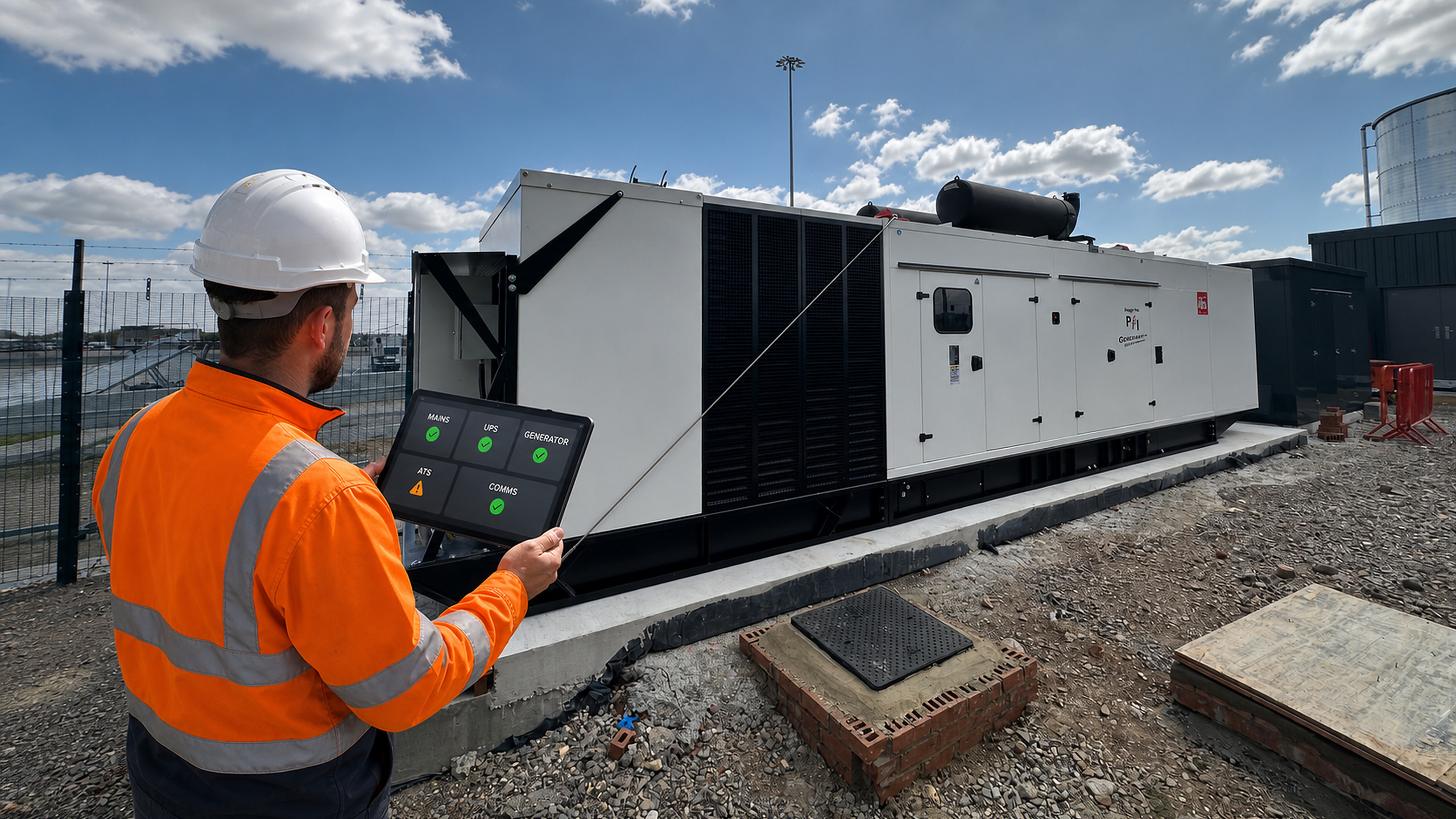
What Signals Should a UPS or Generator Send to a BMS?
2 October 2026
A BMS can show that a generator is running or that a UPS has a...
Read more...
Generator Fuel Autonomy: How Many Hours of Backup Power Does Your Site Need?

25 September 2026
'How many hours will the generator run?' sounds like a simple fuel-tank question. In practice,...
Read more...
How Often Should an Automatic Transfer Switch Be Tested?

18 September 2026
An automatic transfer switch may remain in one position for months, then be expected to...
Read more...
UPS Fan Fault: Causes, Risks and Safe Next Steps

11 September 2026
Fans remove heat from power electronics, filters, transformers and other UPS components. If a fan...
Read more...
Backup Power for Wastewater Pumping Stations During Peak Wet Weather

1 September 2026
A power failure at a wastewater pumping station is difficult at any time. During prolonged...
Read more...
View all