

Latest News
Learn what causes workplace power surges, how they damage equipment and how SPDs, UPS systems, maintenance and electrical design reduce business risk.
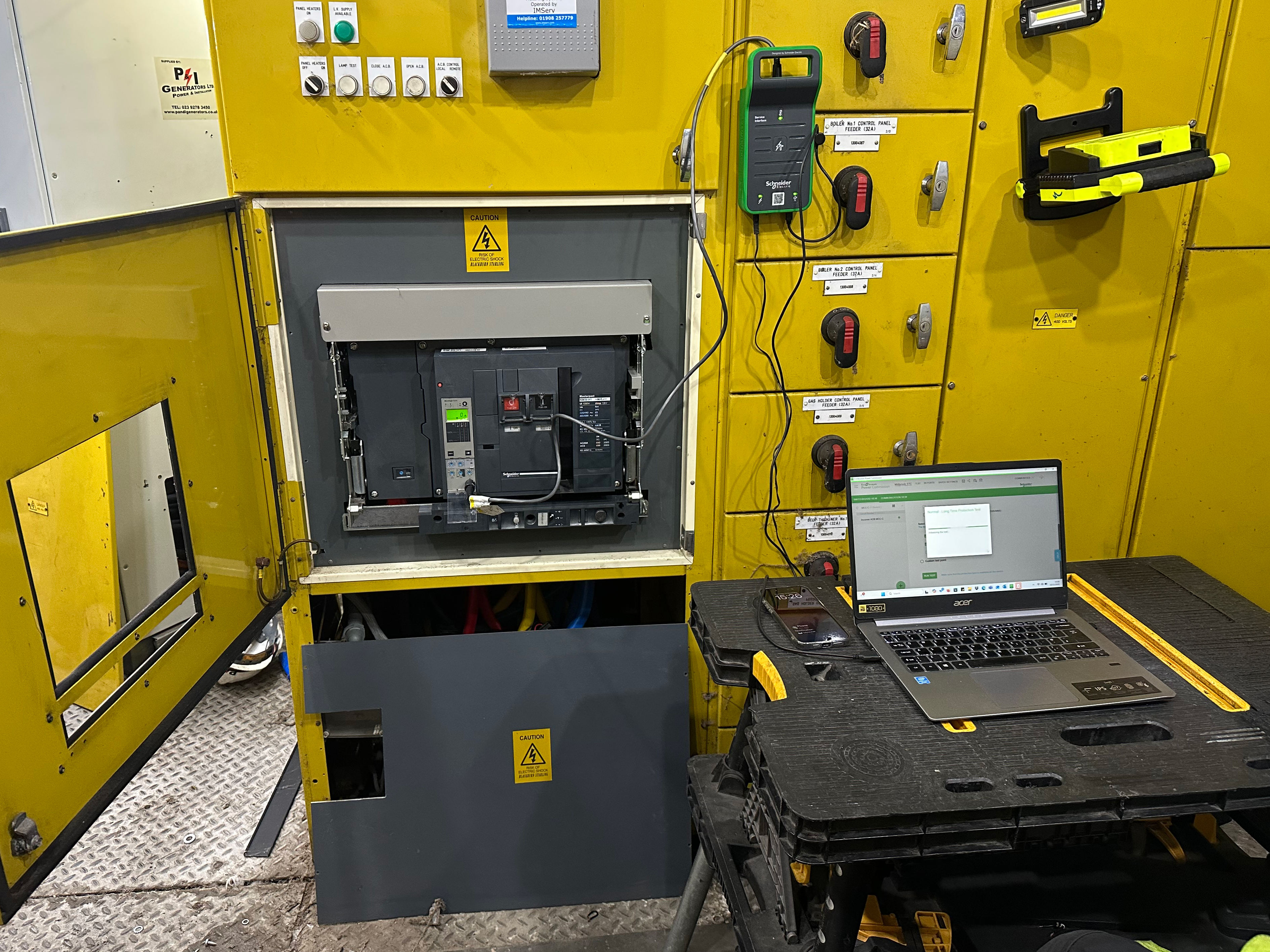
A power surge is a short-duration rise in voltage. It may be caused by lightning, switching on the supply network or equipment operating within the building. The event can last only a fraction of a second, yet still damage sensitive electronics or reduce their working life.
Modern workplaces contain more electronic controls than ever: servers, drives, PLCs, security systems, building controls, chargers, communications and diagnostic equipment. A surge that would once have passed unnoticed can now affect several connected systems at the same time.
The right response is not a single plug-in device. Protection should be coordinated across the electrical installation, the power path and the most important loads.
Quick answer: how can a business protect against power surges?
Use a competent electrical assessment to determine where surge protective devices are required, check earthing and bonding, protect sensitive circuits at suitable points and consider a correctly selected UPS for loads that also need voltage conditioning or battery backup. Inspect protection indicators and investigate recurring events rather than repeatedly replacing damaged equipment.
What is a power surge?
The IET describes transient overvoltages as short-duration, high-magnitude voltage peaks with fast rising edges. They are commonly called surges. They are different from a sustained overvoltage, a voltage sag or a complete outage.
- Surge or transient: a very brief voltage peak.
- Sustained overvoltage: voltage remains too high for longer than a transient event.
- Sag or brownout: supply voltage falls below the expected level.
- Outage: the normal supply is lost.
- Electrical noise or harmonics: distortion that may affect sensitive equipment but is not the same as a transient surge.
Different problems require different protection. An SPD is designed for transients. A UPS may support voltage regulation and ride-through depending on its topology. Neither removes the need for a sound electrical installation and correct equipment selection.
What causes power surges in commercial buildings?
Lightning and events on the supply network
A direct or nearby lightning event can induce a large transient. Switching and faults on the wider network can also create disturbances that enter the installation through power or communications conductors.
Switching of motors and other large loads
Motors, transformers, capacitor banks, lifts, refrigeration, HVAC and industrial equipment can create switching transients as their magnetic or stored electrical energy changes. The source may be inside the same building as the affected equipment.
Faults, loose connections and failing equipment
Not every repeated equipment failure is a transient surge. Loose connections, neutral faults, sustained overvoltage, poor earthing, harmonics or a failing load can produce other symptoms. The installation should be investigated rather than diagnosed from damage alone.
Restoration and changeover events
Supply restoration, generator changeover and switching between power paths can create stressful conditions if the system is not correctly designed, coordinated and maintained. Event logs from UPS, BMS and switchgear can help establish the sequence.
How power surges affect a business
Damage is not always immediate. A severe transient may destroy a component at once. Smaller repeated events can weaken insulation or electronic components until failure occurs later.
- unexpected shutdown or reset of controls and IT
- failed power supplies, network ports, drives or control boards
- corrupted data or interrupted transactions
- process trips and difficult production restart
- false alarms or loss of security and building controls
- reduced equipment life and repeat replacement costs
- loss of service while the real electrical cause remains unresolved
Layer 1: surge protective devices in the installation
An SPD limits a transient overvoltage by diverting or restricting surge energy before it reaches protected equipment. Devices may be coordinated at the origin of the installation, distribution boards and near sensitive equipment, depending on the design.
SPD type, location, rating, protective device, conductor length, earthing and coordination all matter. Selection and installation should be handled by a competent electrical designer or installer using the current requirements and manufacturer information.
Many SPDs include a status indicator or remote contact. Include that status in maintenance and BMS checks. A fitted SPD that has reached end of life may no longer provide the expected protection.
Layer 2: a UPS for continuity and power conditioning
A UPS provides stored-energy support when the incoming supply fails or moves outside its operating limits. Depending on topology and design, it may also regulate voltage and isolate sensitive loads from some disturbances.
A UPS should not be treated as a universal substitute for coordinated SPDs. The installation may need surge protection upstream to protect the UPS itself and other equipment that is not connected to it.
When a business may need both
- The site has sensitive loads that cannot tolerate an outage.
- A transient could enter through the building supply or internal switching.
- Only selected equipment is connected to the UPS.
- The UPS needs upstream protection appropriate to the installation.
- The business needs time for a generator to start or for systems to shut down safely.
Layer 3: earthing, bonding and installation condition
Surge protection depends on the electrical installation around it. Poor connections, unsuitable earthing or long and badly routed conductors can undermine performance. Periodic inspection and competent investigation are therefore part of the protection strategy.
Power and data paths should be considered together. Equipment can be damaged through network, telecommunications or control connections even when its mains input is protected.
Warning signs that justify investigation
- repeated failure of power supplies or electronic control boards
- UPS event logs showing frequent transfers or input disturbances
- SPD status indicators showing fault or end of life
- equipment resets when motors, lifts or HVAC start
- unexplained alarms across several systems at the same time
- burning smell, heat, visible damage or tripping - requiring immediate safe escalation
- a pattern linked to storms, switching or supply restoration
These signs do not prove a surge occurred. Collect timestamps and event data so an engineer can compare the electrical supply, switchgear, UPS, BMS and affected equipment.
What to do after a suspected power surge
- Make the area safe and follow the electrical incident procedure.
- Do not re-energise visibly damaged or overheated equipment.
- Record the time, affected systems and sequence of events.
- Export UPS, BMS, generator and switchgear logs where available.
- Check SPD status only through normal indicators or authorised monitoring.
- Arrange competent inspection before returning critical equipment to service.
- Review whether backup, redundancy or temporary power is needed during repairs.
A practical surge-risk review for facilities teams
Map the equipment whose failure would create the greatest consequence. Then identify how power and communications reach it, what protection exists, who checks it and what evidence is available after an event.
- incoming supply and lightning exposure
- large switching loads within the building
- existing SPDs, locations and status contacts
- earthing, bonding and distribution-board condition
- UPS topology, load, alarms and maintenance history
- sensitive equipment not connected to the UPS
- data, telecoms and control conductors entering the system
- event-log retention and incident escalation
How P&I Group can help
P&I Group supports businesses with commercial UPS systems, batteries, generators, ATS equipment, power-quality review, maintenance and fault response. The team can help assess which loads need continuity, review UPS condition and coordinate the critical-power system with the wider electrical design.
Where recurring disturbances are affecting industrial or IT equipment, the first objective is to understand the event and the power path. That evidence supports a more targeted protection plan than replacing damaged devices one by one.
A surge is a brief rise in voltage. A power cut is a loss of the normal supply. They can occur around the same event, but they require different forms of protection.
Yes. Switching of motors, transformers, capacitors and other loads can create transients inside a building or on the supply network.
Some UPS systems provide surge suppression and voltage conditioning, but capability varies by topology and model. A UPS should not automatically replace coordinated SPDs in the electrical installation.
An SPD limits transient overvoltage by diverting or restricting surge energy. It must be correctly selected, installed and coordinated for the circuit and exposure.
Yes. Repeated or severe events can degrade protective components. Check the device's status indicator or remote alarm and follow the manufacturer's inspection and replacement guidance.
The cause may be a transient, voltage dip, poor connection, undersized supply or another power-quality issue. Record the timing and arrange an electrical assessment rather than assuming one cause.
Protection is usually designed in coordinated layers. The appropriate locations depend on the installation, incoming services, sensitive equipment and current wiring requirements. A competent designer should assess it.
Record the time, affected equipment, weather or switching events, UPS and BMS logs, SPD status and any recent electrical changes. Preserve failed components where an investigation may be required.
Protect the power path, not only the failed device
Recurring electronic failures or unexplained resets deserve a coordinated review of the supply, SPDs, UPS systems, switchgear and critical loads.
Contact P&I Group to discuss UPS protection, critical-power maintenance or the next practical assessment for your business.
Latest news
What Signals Should a UPS or Generator Send to a BMS?
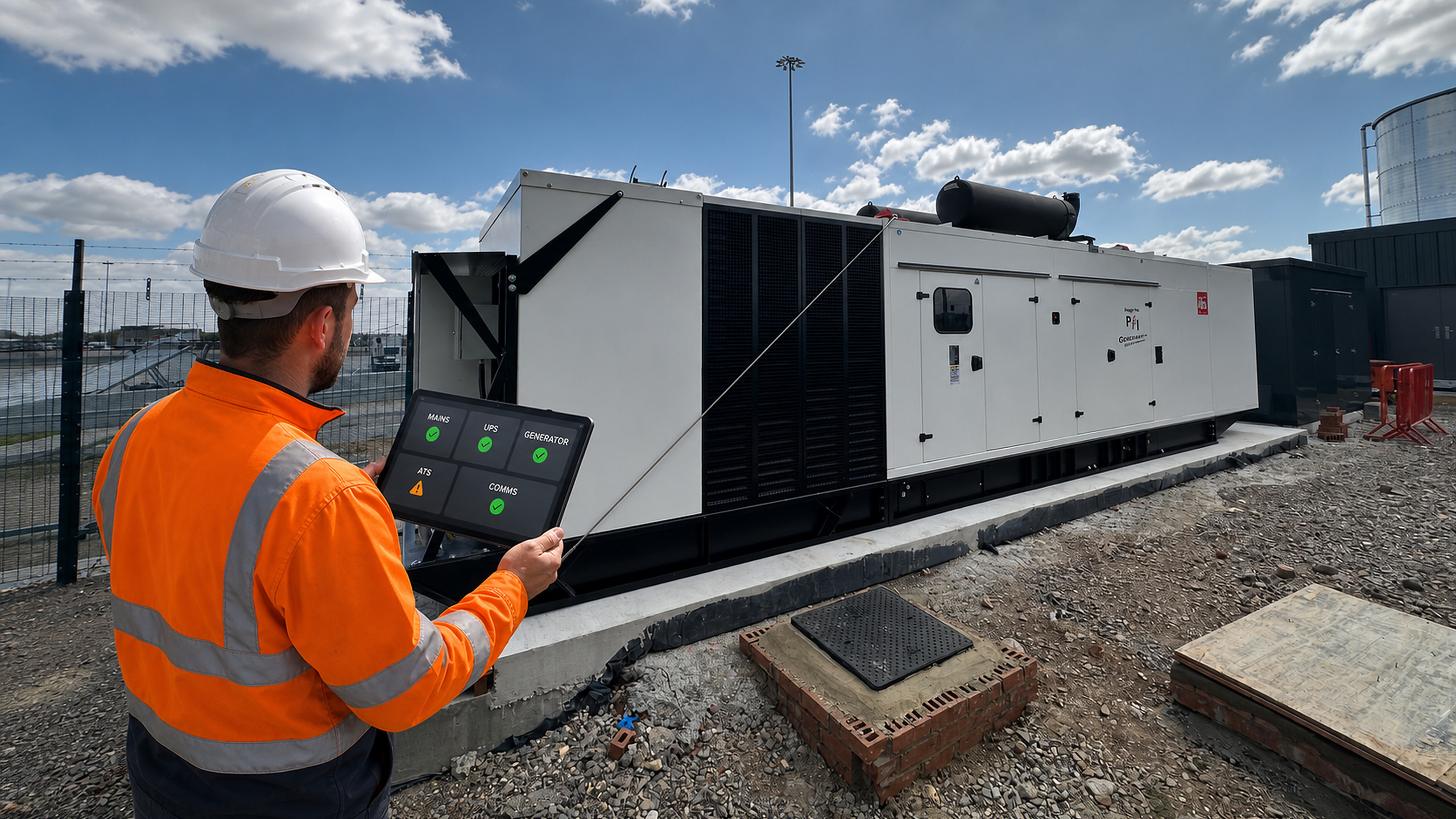
2 October 2026
A BMS can show that a generator is running or that a UPS has a...
Read more...
Generator Fuel Autonomy: How Many Hours of Backup Power Does Your Site Need?

25 September 2026
'How many hours will the generator run?' sounds like a simple fuel-tank question. In practice,...
Read more...
How Often Should an Automatic Transfer Switch Be Tested?

18 September 2026
An automatic transfer switch may remain in one position for months, then be expected to...
Read more...
UPS Fan Fault: Causes, Risks and Safe Next Steps

11 September 2026
Fans remove heat from power electronics, filters, transformers and other UPS components. If a fan...
Read more...
Backup Power for Wastewater Pumping Stations During Peak Wet Weather

1 September 2026
A power failure at a wastewater pumping station is difficult at any time. During prolonged...
Read more...
View all