

Latest News
Use this practical UPS alarm checklist to record the message, time, operating mode, load, battery status and site conditions before escalation.

A commercial UPS alarm can change as the system moves between operating states. If someone immediately silences, resets or clears it, useful evidence may disappear before an engineer can review what happened.
The safest first response is usually to follow the site's operating procedure, protect people and critical services, and record what the UPS is showing. The person recording the event does not need to diagnose internal equipment or open the cabinet.
This checklist focuses on the information that helps a UPS service provider understand the event quickly. Always use the manufacturer manual and the site's emergency plan for the specific system.
Quick answer: what should you record?
Record the exact alarm text or code, date and time, UPS operating mode, load percentage, estimated runtime, battery status, input and output conditions, bypass state, room conditions and any recent work or power event. Take a clear photograph and export the event log where the system and site procedure allow it.
1. Capture the exact alarm message
Write down the complete text, not a paraphrase such as 'battery problem'. Include every code, icon, affected module or phase shown. On parallel UPS systems, identify which unit reported the alarm.
- full alarm or warning text
- fault or service code
- severity colour or indicator state
- audible alarm pattern if it is relevant and safe to observe
- UPS make, model and asset number
- module number in a parallel or modular system
- whether the alarm is active, acknowledged or historical
A photograph is useful because punctuation, abbreviations and numbers matter. Check that it does not capture passwords, network details, customer data or other sensitive information.
2. Record the time and sequence
The timestamp helps compare the UPS record with building alarms, generator logs, switchgear events and IT incidents. Record when the alarm was first noticed and whether anything happened immediately before or after it.
- date and exact local time
- who noticed or received the alarm
- whether it arrived through the display, BMS, email, SMS or network monitoring
- whether mains power failed, dipped or returned
- whether the generator started or the ATS transferred
- whether connected equipment restarted, shut down or remained normal
If several alarms appeared, retain their order. The first event may be more useful than the final cascade of warnings.
3. Note the UPS operating mode
Record whether the UPS reports online or normal operation, battery mode, static bypass, maintenance bypass, high-efficiency mode, shutdown or another model-specific state. Mode explains how the load is currently being supplied.
Do not operate a bypass switch simply to gather information. Switching can expose the load to raw mains power or interrupt supply if it is carried out incorrectly. Use trained people and the approved procedure.
4. Record load and runtime information
Load conditions can explain overload warnings, reduced runtime and uneven module behaviour. Capture the displayed load percentage and, where available, kW, kVA, current and phase values.
- total UPS load percentage
- load on each phase or module
- estimated battery runtime
- recent equipment added to or removed from the UPS
- whether a large device started at the time of the event
- any known single-corded or especially sensitive loads
Estimated runtime is not a guarantee. It changes with load, battery condition, temperature and the UPS calculation method, but it gives the engineer valuable context.
5. Capture battery information
For battery warnings, record more than the words 'replace battery'. Useful information can include state of charge, estimated runtime, battery-test result, battery age, cabinet or string identifier and any recent discharge.
- battery charge percentage and runtime estimate
- last self-test result and date
- battery installation or replacement date
- battery breaker or cabinet status shown on the interface
- whether the system recently supported an outage
- room temperature or temperature alarm
- visible external concerns such as odour, heat or swelling - without opening equipment
If there is heat, smoke, leakage, unusual odour or another safety concern, follow the emergency plan and escalate immediately. Do not touch, disconnect or inspect internal batteries without the correct competence and controls.
6. Record input, output and bypass conditions
Where the interface makes the information available, note input voltage and frequency, output voltage and frequency, and whether bypass is available or in use. These readings can show whether the UPS reacted to an upstream supply event or an internal condition.
Only copy values that are already available through the normal user interface or authorised monitoring platform. Do not remove covers or test live terminals to complete an incident form.
7. Check the room and cooling conditions
UPS systems and batteries depend on suitable airflow and environmental conditions. Record room temperature, any HVAC alarm, blocked vents, unusual dust, water ingress or recent work that may have changed cooling.
A cooling or fan warning can progress to overtemperature or bypass. Keep clear of hot surfaces and allow a UPS engineer to determine the safe response for the model.
8. Record recent changes
Changes often provide the missing context. Ask whether electrical work, IT installation, generator testing, maintenance, firmware changes, battery replacement or a room-layout change occurred recently.
- new servers, drives, HVAC or process equipment
- load moved between phases or output circuits
- battery or fan replacement
- maintenance bypass operation
- generator or ATS testing
- network-card, firmware or BMS changes
- construction dust, water or cooling interruption
What not to do when recording a UPS alarm
- Do not repeatedly reset the UPS to see whether the alarm returns.
- Do not clear the event log before it has been exported or reviewed.
- Do not open covers or reach inside the cabinet.
- Do not transfer to bypass unless the approved procedure and competent people require it.
- Do not disconnect critical loads without the service owner and shutdown plan.
- Do not assume an alarm is harmless because the load is still running.
- Do not quote a generic internet fault meaning as if it applies to every model.
Create a simple UPS alarm record
Keep a one-page form beside the operating procedure or within the facilities system. Include asset details, alarm text, timestamp, mode, load, runtime, battery status, environment, recent changes, photographs, event-log reference and the person contacted.
The form should also record decisions: whether the event was monitored, escalated, transferred to an incident team, supported by temporary power or closed after engineering review.
When should an alarm be escalated urgently?
Urgency depends on the model, redundancy, protected load and site plan. Immediate escalation is sensible where the UPS is not supporting the load as designed, runtime is falling during an outage, the system is overloaded, redundancy has been lost, bypass is unexpected, alarms are recurring or there are signs of heat, smoke, liquid, burning odour or abnormal noise.
A warning on a redundant system may allow planned action, but only after someone competent has confirmed the remaining resilience. Do not assume that another module or battery string is available without checking system status.
Use the model manual and site procedure. Silencing the sound may be acceptable on some systems, but it does not resolve the condition. Record the message before acknowledging it and make sure the alarm remains visible or logged.
No. Some alarms report normal operating changes, such as running on battery during a mains failure. Others indicate warnings or faults. The exact meaning is model-specific, so record the complete message.
Load affects runtime, overload risk and module behaviour. It also helps an engineer understand whether a recent change or uneven phase loading contributed to the event.
Only if the manufacturer guidance and the approved site procedure allow it. Repeated or uncontrolled resets can remove evidence, interrupt the load or make the incident worse.
Record charge, runtime estimate, last test result, battery age, recent discharge, temperature and the exact battery message. Do not open battery cabinets unless you are authorised and competent.
Yes, if site security rules allow it. A clear photograph preserves codes and values. Avoid capturing passwords, network addresses or sensitive customer information.
Record whether bypass is expected, which source is supplying the load and whether redundancy or conditioning has been lost. Escalate through the site procedure; do not operate bypass controls without authorisation.
Keep them for long enough to support maintenance trends, incident review, warranty evidence and site governance. The organisation should define retention in its asset and incident-management procedures.
Turn the alarm into useful engineering evidence
The exact message, operating mode and conditions can make the difference between a fast diagnosis and an inconclusive call-out.
If a commercial UPS is showing an alarm or has lost expected resilience, contact P&I Group with the record, photographs and event-log information you can safely provide.
Latest news
Temporary Power for Planned Shutdowns: A Site-Readiness Checklist

8 October 2026
A planned electrical shutdown should be easier to manage than an emergency outage. The date...
Read more...
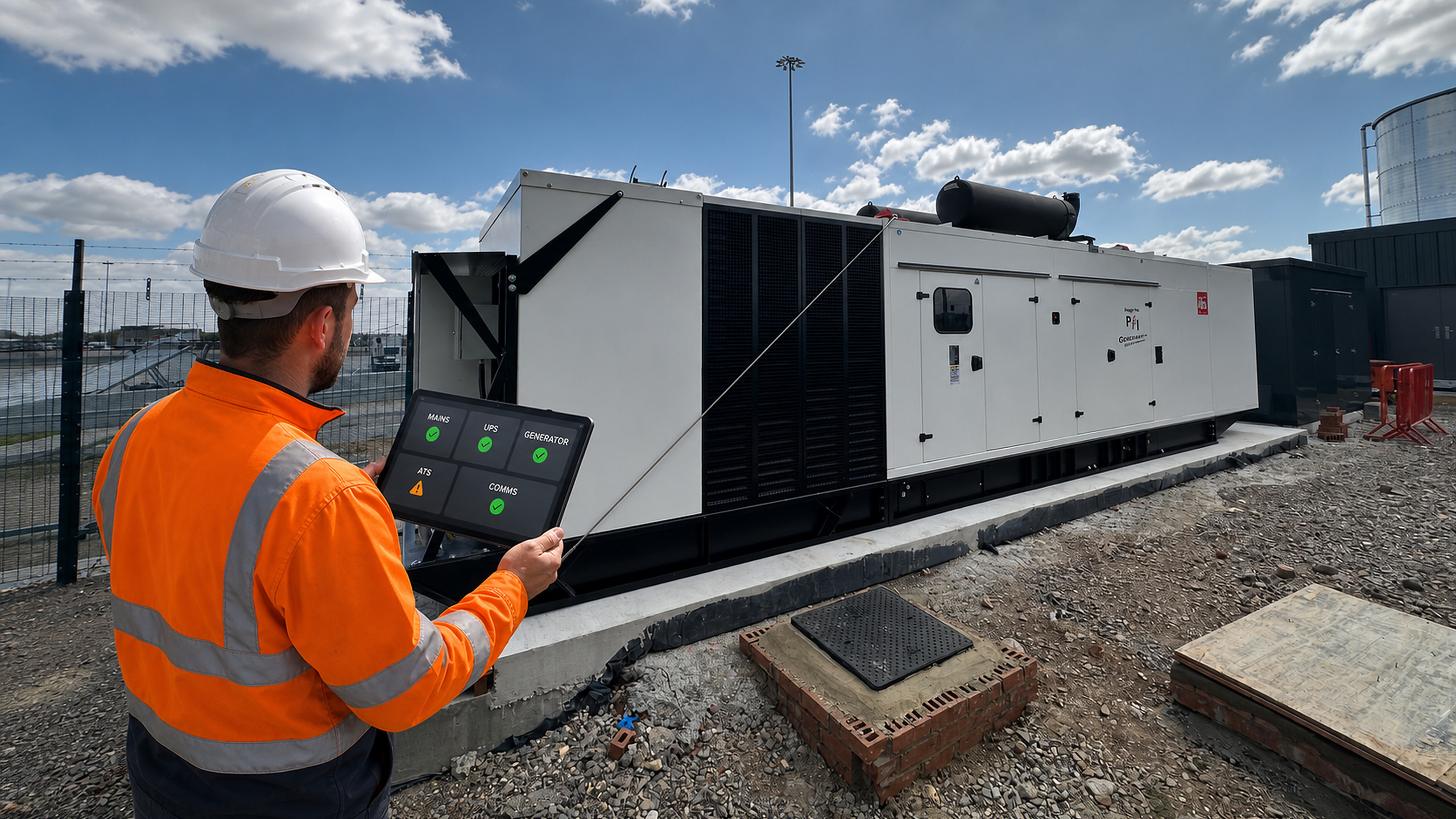
What Signals Should a UPS or Generator Send to a BMS?
2 October 2026
A BMS can show that a generator is running or that a UPS has a...
Read more...
Generator Fuel Autonomy: How Many Hours of Backup Power Does Your Site Need?

25 September 2026
'How many hours will the generator run?' sounds like a simple fuel-tank question. In practice,...
Read more...
How Often Should an Automatic Transfer Switch Be Tested?

18 September 2026
An automatic transfer switch may remain in one position for months, then be expected to...
Read more...
UPS Fan Fault: Causes, Risks and Safe Next Steps

11 September 2026
Fans remove heat from power electronics, filters, transformers and other UPS components. If a fan...
Read more...
View all